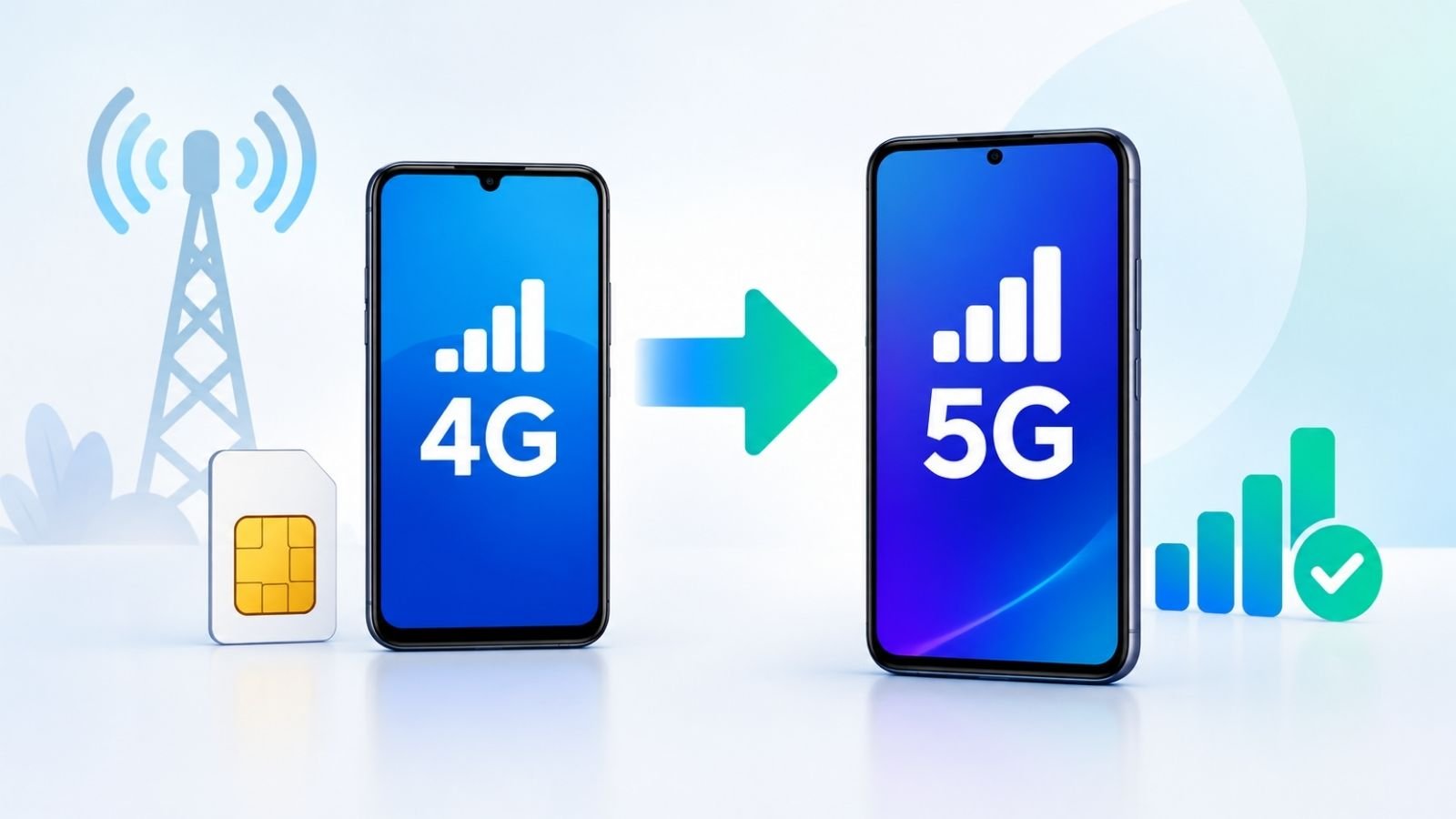
Can a 4G mobile be converted to 5G? In most cases, the short answer is no. A genuine 4G-only phone cannot become a true 5G phone through a software update, secret setting, app, dialer code, or website. 5G requires compatible modem, radio-frequency hardware, and antennas that must be built into the device at manufacture. Software alone cannot add missing hardware.
If your phone already has 5G-capable hardware, you may only need the correct network settings, a software update, a compatible SIM or service, and coverage from your operator. This guide explains how to check device support, enable 5G on Android and Samsung phones when it is available, and troubleshoot connectivity for Jio and Airtel users. It also covers related questions about SIMs, free or online “conversion” claims, and Globe Telecom.
Can You Convert a 4G Mobile to 5G?
A 4G-only device and a 5G-capable device are different at the hardware level. 5G uses New Radio (5G NR) technology and specific frequency bands. The phone needs a 5G modem and supporting radio components to communicate with a 5G network. An LTE-only modem cannot process those signals.
Software updates can enable or improve 5G features on a phone that already contains the required hardware. They cannot install a missing modem or antennas. Some phones marketed as 5G-capable may still need a carrier-approved software update, the correct network-mode setting, or operator provisioning before the 5G icon appears.
Upgrading a SIM or plan is also different from upgrading the phone. A new SIM or 5G plan does not add radio hardware. If the handset itself lacks 5G support, it will continue to use 4G (or lower) networks even when 5G coverage and service are available.
Direct answer: You cannot convert a true 4G-only mobile into a genuine 5G mobile. You can enable 5G on a phone that already supports it, provided coverage, settings, software, and operator requirements are met.
How to Check Whether Your Mobile Supports 5G
Use these practical steps. Menu names vary by manufacturer and Android version.
- Open Settings > About phone (or About device) and note the exact model name and model number.
- Search the manufacturer’s official website or support page for that exact model and region. Look for “5G,” “NR,” or supported network bands in the specifications.
- Check whether the listed 5G bands match those used by your operator in your country.
- Confirm the specific device variant (region or carrier version) supports your operator’s network. Global and local variants sometimes differ.
- Check your operator’s official coverage map and device-compatibility information for your location.
If the preferred network type or network mode menu includes a 5G option, the phone’s hardware generally supports 5G. Absence of that option does not always mean the hardware is missing—it can also mean a software or carrier restriction—so verify the official specifications.
How to Convert a 4G Mobile to 5G on Android
If Your Android Phone Supports 5G
- Install any available system updates from Settings > System > System update (or the equivalent path on your device).
- Open Settings and go to Mobile network, SIM cards & mobile networks, Network & internet, or a similar section.
- Select the SIM used for mobile data.
- Tap Preferred network type, Network mode, or the equivalent option.
- Choose a mode that includes 5G (examples: 5G/4G/3G/2G auto, 5G preferred, or NR/LTE), if the option appears.
- Confirm mobile data is enabled on the correct SIM, then restart the phone and check the status bar for a 5G indicator when you are in coverage.
Exact menu labels and available options depend on the phone model, Android version, and carrier software.
If Your Android Phone Supports Only 4G
Changing the network mode, installing an application, entering a dialer code, or visiting a website cannot add genuine 5G capability. The required modem and radio hardware are not present. To use 5G, you need a compatible 5G phone.
How to Convert a 4G Mobile to 5G on Samsung
First confirm the exact model supports 5G by checking Samsung’s official specifications for your region.
Typical steps on many Galaxy models (menus vary by One UI version, model, and carrier):
- Open Settings.
- Tap Connections.
- Open Mobile networks.
- Look for Network mode.
- Select an option that includes 5G if it is offered (for example, 5G/4G/3G/2G auto connect).
Not every Samsung phone supports 5G. Older or 4G-only models will not show a 5G network-mode choice. After changing the setting, restart the phone and test in an area with known 5G coverage.
Can You Convert a 4G SIM to 5G Mobile?
A SIM and a mobile phone perform different roles. The SIM authenticates your subscription; the phone’s radio hardware determines which network generations it can use. Replacing a SIM cannot turn a 4G-only phone into a 5G phone.
On a 5G-capable phone, many existing 4G SIMs already work with 5G service, subject to the operator’s current rules. Jio states that all its SIMs, including eSIMs, are already 5G-ready; users do not need a new SIM. Airtel also indicates that existing SIMs work and that a new SIM is not required for 5G.
Always confirm current requirements through the operator’s official website, app, or customer support rather than buying a new SIM unnecessarily.
How to Activate 5G on Jio
General checklist (verify current details on official Jio resources):
- Confirm the phone model supports 5G and the relevant bands used by Jio.
- Check Jio True 5G coverage for your location on the official coverage map.
- Update the device software if an update is available.
- In phone settings, enable a preferred network type that includes 5G.
- Ensure you have an eligible active plan. Jio notes that True 5G plans apply to users with 5G devices in coverage areas who have a valid prepaid plan (more than 2 GB/day) or postpaid rental meeting the stated threshold; lower-data prepaid users may need an add-on.
- Existing Jio SIMs are 5G-ready; a new SIM is not required.
A 4G-only phone cannot receive Jio 5G by changing a setting. Use the MyJio app or Jio’s official channels for account-specific guidance.
How to Activate 5G on Airtel
Checklist for Airtel users:
- Confirm the phone is 5G-compatible (settings menu or official specifications).
- Check local 5G coverage via Airtel’s official tools or app.
- Update the phone’s software.
- Enable the appropriate network mode that includes 5G (Settings > Network & internet / Mobile network > Preferred network type, or the Samsung Connections path).
- Confirm account and plan requirements through the Airtel Thanks app or official website. Existing SIMs are generally sufficient.
Procedures and eligibility can vary. Rely on official Airtel information rather than third-party claims.
Can You Convert a 4G Mobile to 5G for Free or Online?
There is no legitimate online tool or free application that can add missing 5G hardware to a 4G-only phone. Claims of instant conversion, secret activation codes, or guaranteed 5G via a website or APK are not credible.
If the phone is already 5G-capable, enabling the feature may involve only free settings changes, a software update, coverage, and meeting the operator’s service conditions. Do not provide your phone number, OTP, or account credentials to unverified “conversion” sites, and do not install APKs from unknown sources.
What Does “How to Convert 4G Mobile to 5G Globe” Mean?
Searches that include “Globe” often refer to Globe Telecom in the Philippines. Globe requires a 5G-capable phone compatible with its network, a 4G/LTE SIM, and presence in a 5G coverage area. Users should check Globe’s official device lists, SIM status (for example via the methods published by Globe), coverage map, and account eligibility. Indian Jio or Airtel procedures do not automatically apply to Globe customers.
Why Is 5G Not Working on My Phone?
Common causes and practical first steps:
- Phone is 4G-only — Check official model specifications. Replace the handset if you need 5G.
- Device variant lacks required bands — Verify bands against the operator’s network.
- No or weak 5G coverage — Check the operator’s coverage map and try an outdoor or known coverage location.
- Network mode excludes 5G — Select a preferred network type that includes 5G.
- Software needs an update — Install the latest system update.
- Wrong SIM selected for data — Ensure mobile data uses the intended SIM.
- Operator service or plan requirements not met — Confirm eligibility in the official app or with support.
- Temporary glitch — Toggle airplane mode, restart the phone, or reseat the SIM. Avoid a factory reset as a first step.
4G vs 5G Mobile: What Is the Difference?
| Aspect | 4G Mobile | 5G Mobile |
| Network generation | Fourth-generation LTE | Fifth-generation 5G NR |
| Required hardware | 4G modem and radios | 5G modem, RF components, and compatible antennas |
| Typical speed potential | Lower peak rates | Higher potential peak rates (real-world results vary) |
| Coverage and availability | Widespread in many regions | Expanding; still location-dependent |
| Can software alone add support? | N/A for 5G | No — hardware is required |
Actual speeds depend on network deployment, signal strength, congestion, device capabilities, and the operator. No fixed speed is guaranteed. Download
Frequently Asked Questions
1. How to convert 4G to 5G mobile?
A 4G-only phone cannot be upgraded to genuine 5G through settings or software alone. A 5G-capable phone may need the correct network mode, updates, coverage, and operator service. read more with Unlick
2. How to activate 5G on a 4G mobile?
You cannot activate true 5G on a 4G-only device. Distinguish a 4G-only phone from a 5G-capable phone that is currently using 4G because of settings or coverage.
3. Can I convert a 4G mobile to 5G for free?
Compatible hardware is essential. Free settings changes cannot add missing 5G hardware. Enabling an already-supported phone may involve no extra handset cost.
4. Can a 4G SIM work in a 5G mobile?
Yes, in many cases existing SIMs work on supported devices, subject to the operator’s current compatibility and service rules. Confirm with your provider.
5. How do I enable 5G on an Android phone?
Confirm device support, open mobile-network settings, select a preferred network type that includes 5G if available, ensure the correct SIM is used for data, and check coverage.
6. How do I enable 5G on a Samsung phone?
Check the exact model’s specifications, then go to Settings > Connections > Mobile networks > Network mode and choose a 5G-inclusive option if offered.
7. How do I activate 5G on Jio?
Use a compatible 5G phone, confirm coverage, enable a 5G network mode, and meet current plan and account requirements. Existing Jio SIMs are generally 5G-ready.
8. How do I activate 5G on Airtel?
Confirm device compatibility and coverage, update software, enable the appropriate network mode, and check account requirements via official Airtel channels. Existing SIMs usually suffice.
9. Can an app convert a 4G phone into a 5G phone?
No. An application cannot add the missing 5G modem and radio hardware required for genuine 5G connectivity.
10. Why is my 5G phone showing 4G?
Possible reasons include lack of local coverage, network mode set to exclude 5G, unsupported bands on that variant, outdated software, wrong SIM for data, or unmet operator service conditions.
Read more : How to Improve Battery Life on Android: 15 Easy Ways to Stop Battery Drain
Conclusion
The essential first step is to identify the exact phone model and confirm whether it has 5G hardware. If the device is 5G-capable, check network settings, software updates, local coverage, and the operator’s current service requirements. If the phone is 4G-only, the practical path to 5G is a compatible 5G handset.
For the most accurate next action, consult the manufacturer’s official specifications for your model and your operator’s coverage map and support pages (such as Jio’s 5G resources or Airtel’s 5G network information).